


Screencore app icon

Screencore, screenwriting software for Mac

Professional tools made simple.

Download on the Mac App Store

$22.99

One-time purchase. No subscription.

Introductory price; may increase. Optional add-ons sold separately.


A glance at your workstation

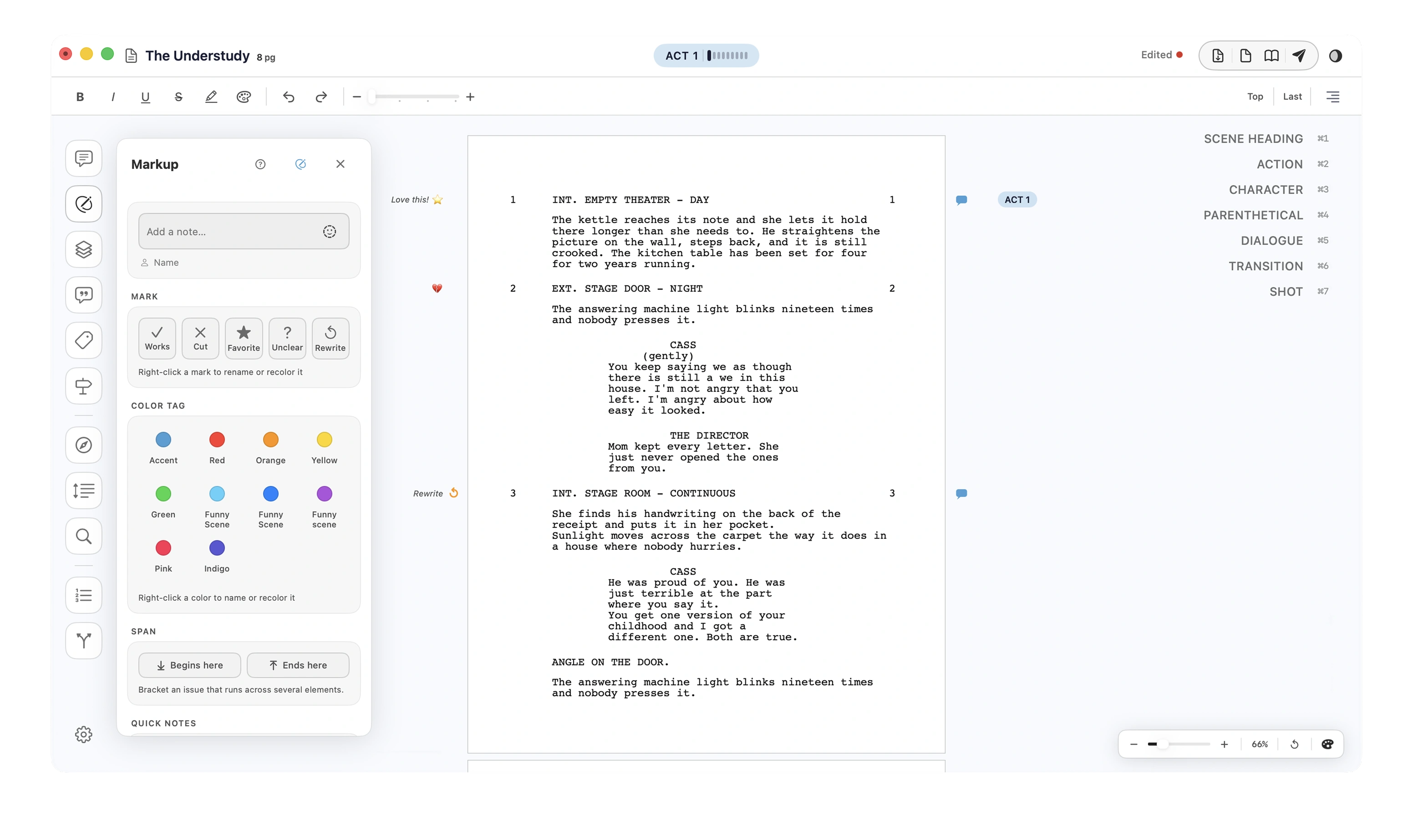
Eleven panels dock beside the page, and none of them move your script.

The Screencore editor: a formatted screenplay page with the Markup panel open at the left, a column of panel buttons down the far left, and element type shortcuts down the right.

Before the feature list, the part that matters.

  • Your files stay on your Mac
  • No account setup
  • No cloud
  • Works offline
  • One-time purchase
  • No subscription
  • Opens FDX and Fountain
  • Exports PDF, FDX, Fountain
  • Industry standard formatting
  • Native macOS app

01Workspace & Launcher

Every script, one home screen.

The launcher mirrors your Finder folders and hides everything that is not a Screencore file. Point it at any folder and your scripts show up on their own.

  1. Link a folder

    Point the launcher at any folder on your Mac.

  2. It scans

    Finds every Screencore file inside. Everything else is ignored.

  3. Cards appear

    Pages, scenes and words on each. Add one in Finder and it shows up on its own.

  4. Open

    Click a card. The file opens where it lives, nothing gets moved.
02Structure

Reorder

Reorder scenes to preserve notes, markup, annotations and alt lines.

  • Every element in the script, grouped by scene, expanded or collapsed
  • Move a run with the arrows, or pick it up and put it down at the caret
  • Nothing moves until you press Drop, and the whole move is one undo
  1. Pick a run

    Scenes or elements, in one unbroken run. Command-click a heading to take it alone.

  2. Move it

    Drag, or use the arrows. Nothing lands until you press Drop, and one undo puts it back.

03Revisions & Production

Revisions don’t have to be complicated.

Colour order, change marks, locked pages, scene suffixes. A production expects every one of them, and getting one wrong costs a reprint. The panel keeps them so you can get on with the writing.

What the panel handles

  1. One toggle

    Revision Mode on, and every edit after it is stamped in the current colour.

  2. The marks place themselves

    Asterisks in the right margin, revision bars in the left.

  3. The order is already right

    Production White, Blue, Pink, Yellow and on down the studio order.

  4. Scenes number as you build

    New ones take A, B, C rather than renumbering, and locked pages flow to 42A.

04Export

Dedicated PDF and Reports Exporter

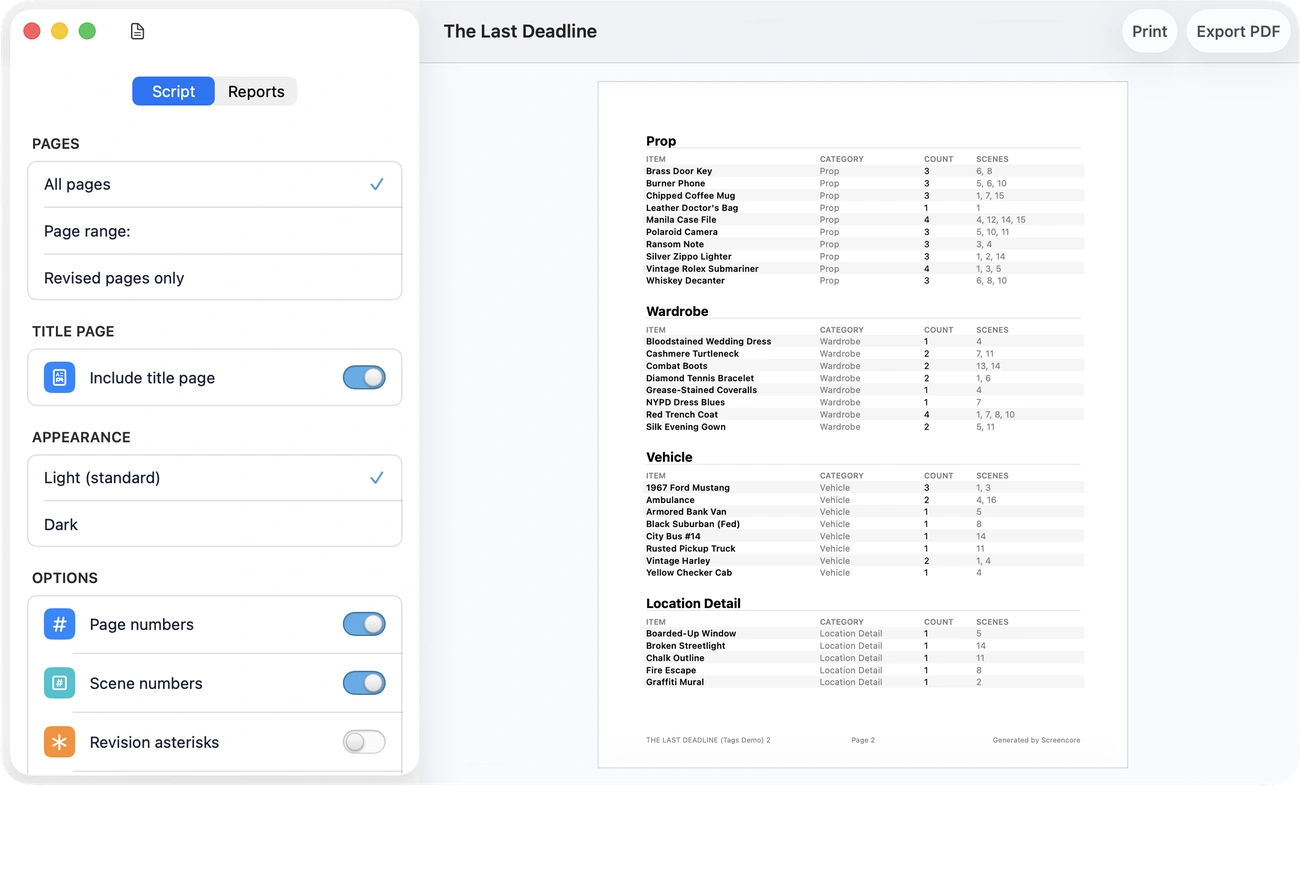
The screenplay itself, or five reports built from what you put in it: notes, alt lines, annotations, tags and analysis. A live PDF preview sits beside the settings.

The Screencore exporter: Script and Reports tabs on the left with page, title page, appearance and option controls, and a live preview of a tag report on the right showing props, wardrobe, vehicles and location details with scene counts.
  1. Choose a tab

    Script for the screenplay, Reports for what is in it.

  2. Set the pages

    All of them, a range, or only the ones carrying revision marks.

  3. Flip the toggles

    Title page, scene numbers and revision marks.

  4. Export

    PDF, FDX, Fountain, plain text or RTF.

05Your files

Open FDX and Fountain. Send them back out.

A .screencore script file icon.
Myproject.screencore
Which file formats Screencore opens and exports
Format Opens Exports
Final Draft.fdx Yes Yes
Fountain.fountain Yes Yes
Plain text.txt Yes Yes
Rich text.rtf Yes Yes
PDF.pdf No Yes

Some elements may not be supported.

Appearance

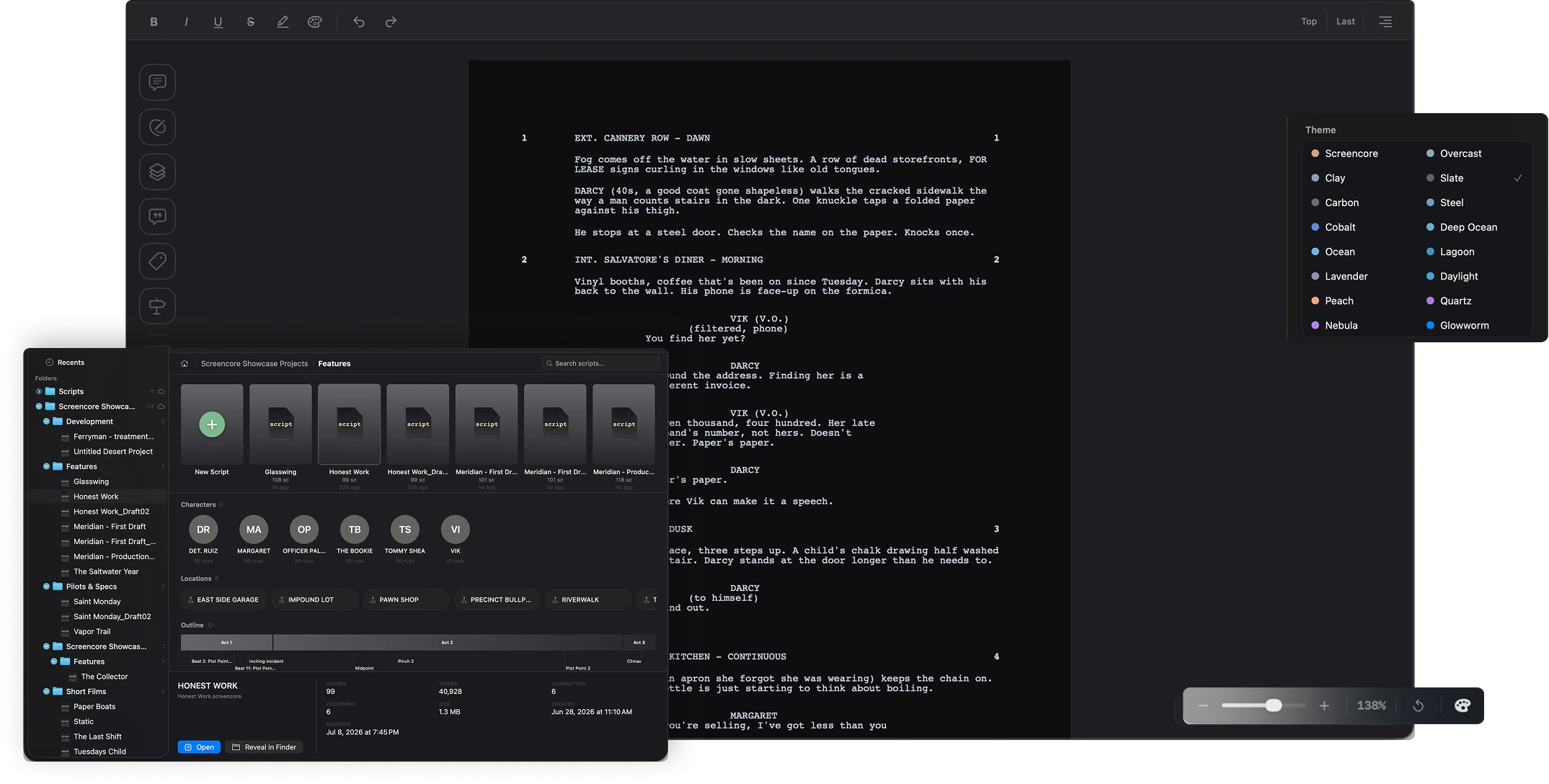
Twenty themes, and a picture of your own.

Each theme sets the chrome, the page colour and the editor ground together. Point at one to see its name.

  • Screencore
  • Overcast
  • Deep Ocean
  • Ocean
  • Daylight
  • Clay
  • Peach
  • Lavender
  • Steel
  • Carbon
  • Cobalt
  • Slate
  • Nebula
  • Sky
  • Quartz
  • Lagoon
  • Glowworm
  • Azure
  • Glacier
  • Cerulean
The Screencore Theme menu open over a dark editor, listing Screencore, Overcast, Clay, Slate, Carbon, Steel, Cobalt, Deep Ocean, Ocean, Lagoon, Lavender, Daylight, Peach, Quartz, Nebula and Glowworm, each with its own colour dot.

Wallpapers

Click the Themes button in the header to give a script its own picture. Screencore remembers it on this Mac.

A marbled planet, deep pinks into black. A violet bloom of light and glass. A desert dune at dusk under a low moon.

Backups & Recovery

Nothing you write is riding on one file.

  • Every 3 minutesTimed backups
  • 1,000 versionsBackup history

Also in this group: Restore from backup, Save Reminder, and XML Repair for a damaged file. Cloud sync is not here yet. Your files stay on your Mac either way.

The complete list

All 76, by category. 66 are in the app today. 10 are not, and they are listed in place rather than left out.

Writing & Formatting

  • Auto-formattingIndustry format as you type
  • Auto-capitalizeScene headings and cues, automatic
  • Character extensionsV.O., O.S., and CONT'D, automatic
  • AutocompleteLearns your characters and locations
  • Text stylingBold, italic, underline, highlights
  • Spell checkMulti-language spell checking
  • ThesaurusSynonyms without leaving the page
  • Not yet: Dual dialogueTwo columns of simultaneous dialogue

Elements

  • Element dropdownSwitch element type from a menu
  • Element shortcutsSet any element with ⌘1 to ⌘8
  • Element panelClick element types on the side
  • Tab to cycleTab through element types

Story Tools & Navigation

  • Scene navigatorJump to any scene instantly
  • Outline viewYour whole script at a glance
  • Story beatsPlan and mark your beats
  • Beat frameworksThree-Act, Hero's Journey, custom
  • Structure markersAct breaks and section markers
  • Not yet: Index cardsCorkboard / index-card view
  • Reorder scenesDrag scenes to reorder
  • Find & ReplaceSearch the script, replace, and highlight every match

Notes, Alts & Markup

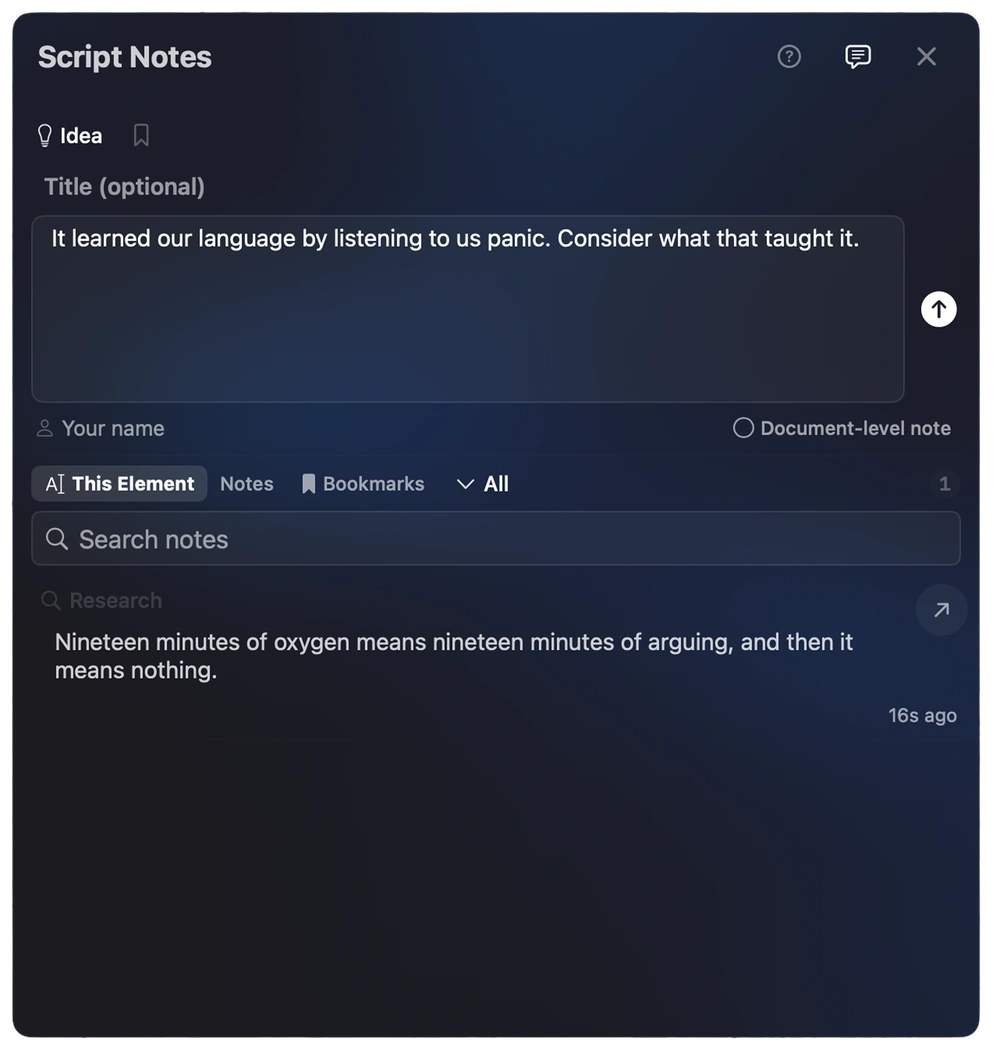
  • Script NotesAttach notes to any block
  • Note categoriesStory, character, production, research
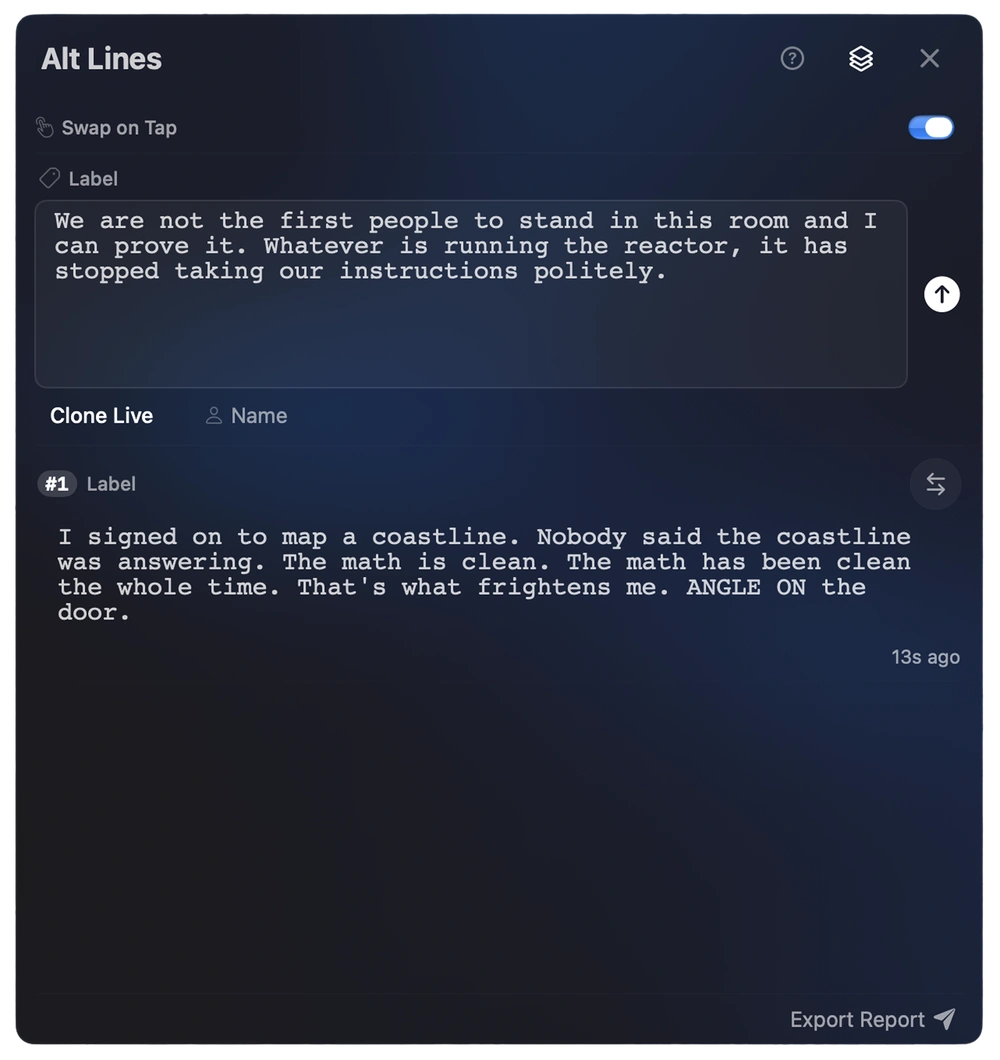
  • Alt LinesKeep alternate takes of a line
  • Label Alt LinesLabel your alternate takes
  • Action altsAlternates for action, not just dialogue
  • MarkupEditorial marks and color dots
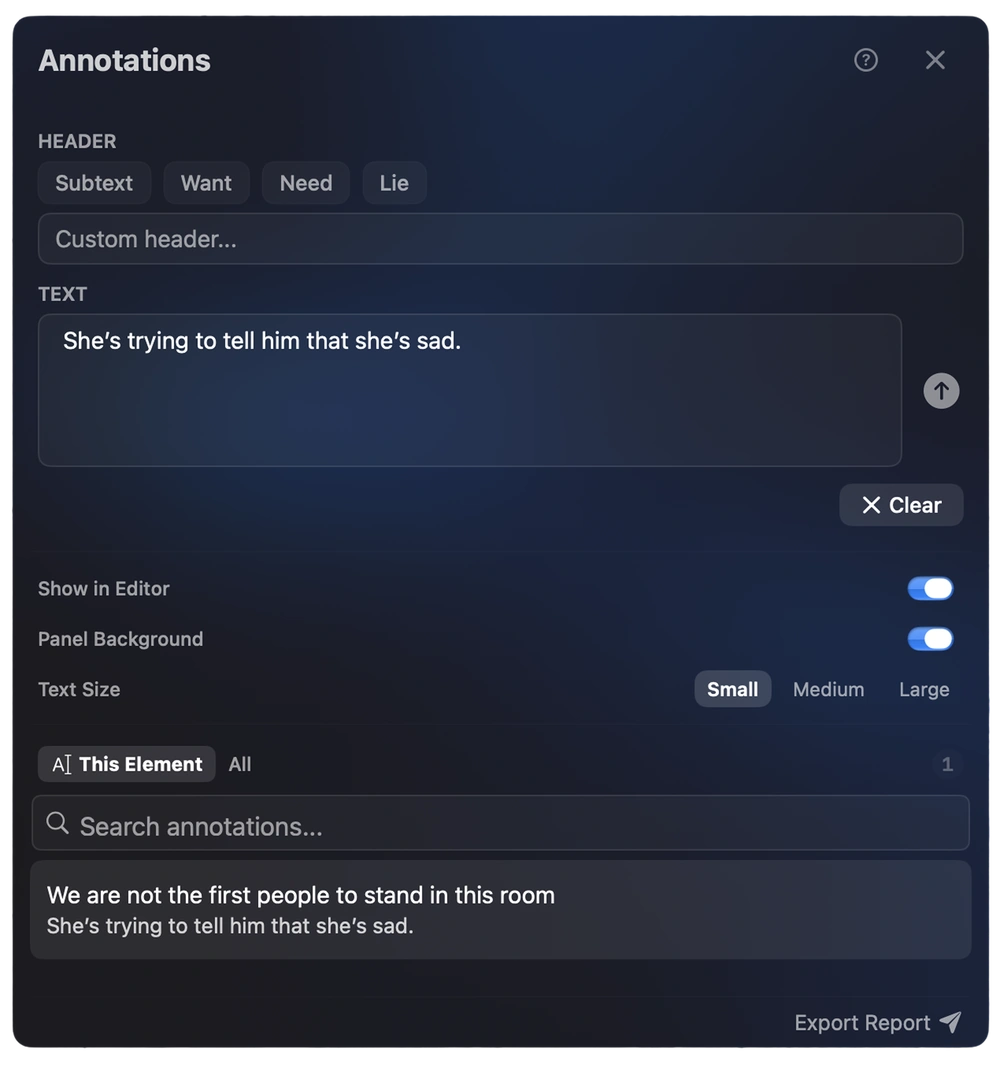
  • AnnotationsSubtext, want, and need over the page
  • Bulk highlightHighlight across the whole script
  • Color LegendLabel what each color means
  • Character highlightColor every character's lines
  • Gutter IconsMargin icons show what's attached
  • Not yet: Dialogue TunerAutomated dialogue analysis

Revisions & Production

  • Revision setsColored drafts in the WGA sequence
  • Revision marksAsterisks on changed lines
  • Revision pagesStar pages and revised slugs
  • Scene NumbersAuto-numbered scenes
  • Omit scenesOmit scenes, keep the numbering
  • Lock pagesLock pages and scene numbers
  • Title Page editorBuild your title page
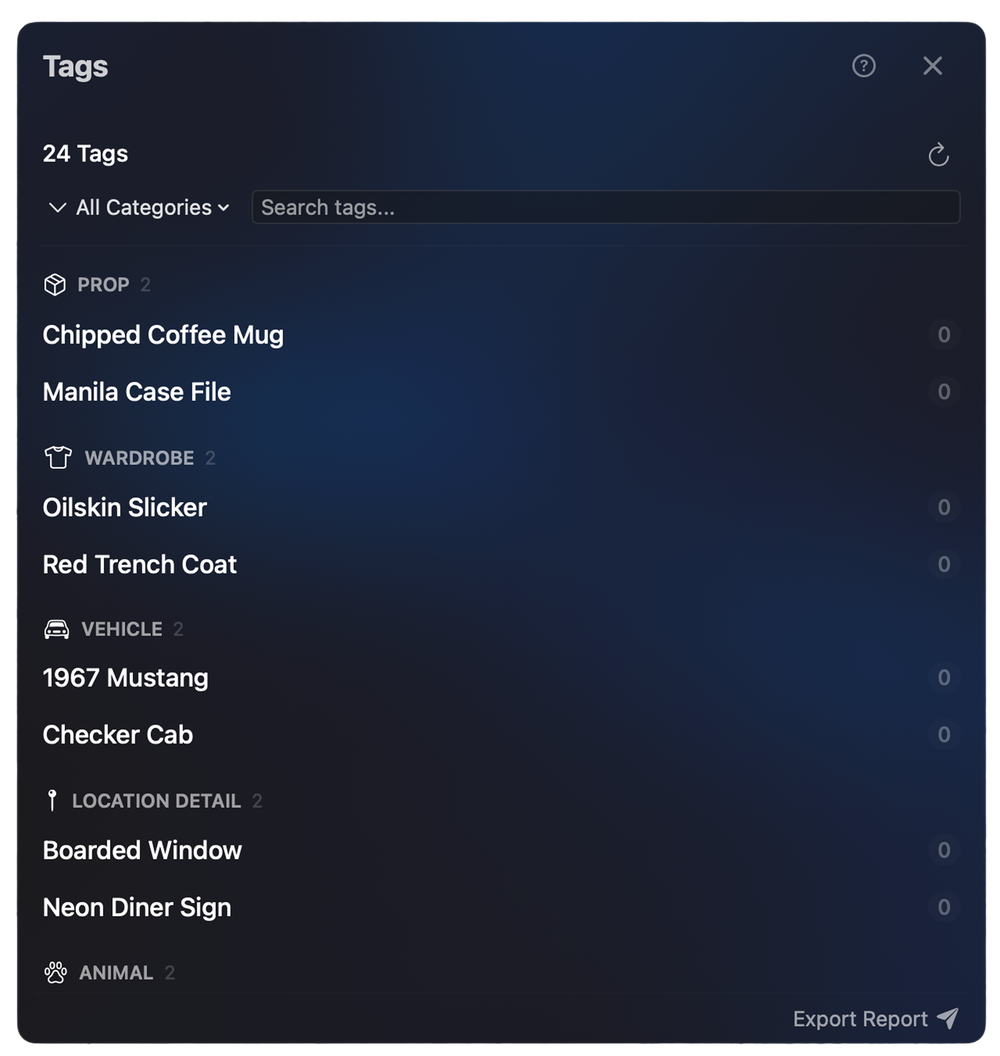
  • TaggingTag props, cast, and locations
  • ReportsScene, cast, and location breakdowns
  • Not yet: Track changesInline tracked edits

Collaboration: Writers Room

  • Writers RoomWrite together on a local network
  • Not yet: Online collaborationReal-time editing over the internet

Import & Export

  • Native .screencore fileOne file keeps everything
  • FDX supportImport and export FDX files
  • FountainOpen and save Fountain files
  • PDF exportProduction-ready PDF
  • Advanced PDF optionsWatermark, revision colors, page ranges
  • PrintingPrint straight to paper
  • RTF / textPlain text and RTF export
  • Export notes & tagsAlt Lines, notes, and tags to PDF
  • Not yet: HTML exportExport to HTML
  • Not yet: Other importsImport from other screenwriting apps
  • Not yet: Compare draftsSide-by-side draft compare

Backups & Recovery

  • Backup on every saveThe previous version is kept each time you save
  • Timed backupsA timestamped copy every 3 minutes
  • Backup history1,000 versions by default, raisable
  • Restore from backupRoll back to any version
  • Save ReminderNudges you to save
  • Crash recoveryYour work survives a crash
  • XML RepairRecover a damaged file
  • Not yet: Cloud syncBuilt-in cloud sync

Workspace & Launcher

  • The LauncherEvery script, one home screen
  • Link foldersPoint at any folder, auto-indexed
  • Script cardsPages, scenes, words at a glance
  • Search & RecentsFind any script instantly

Reading & Presentation

  • Read ModeDistraction-free, read-only view
  • Estimated runtimeSee your script's runtime
  • ZoomScale the page to taste

Personalization

  • 20 themesTwenty themes, dark and light
  • 16 page colorsPick your paper color
  • Desktop viewSet a picture behind the workspace
  • Format settingsTune every element's formatting

Platform

  • macOS nativeBuilt with its own text engine
  • Not yet: WindowsA Windows version

Available only on the Mac App Store.

Download on the Mac App Store